








 Boosting
Expedition Project Boost
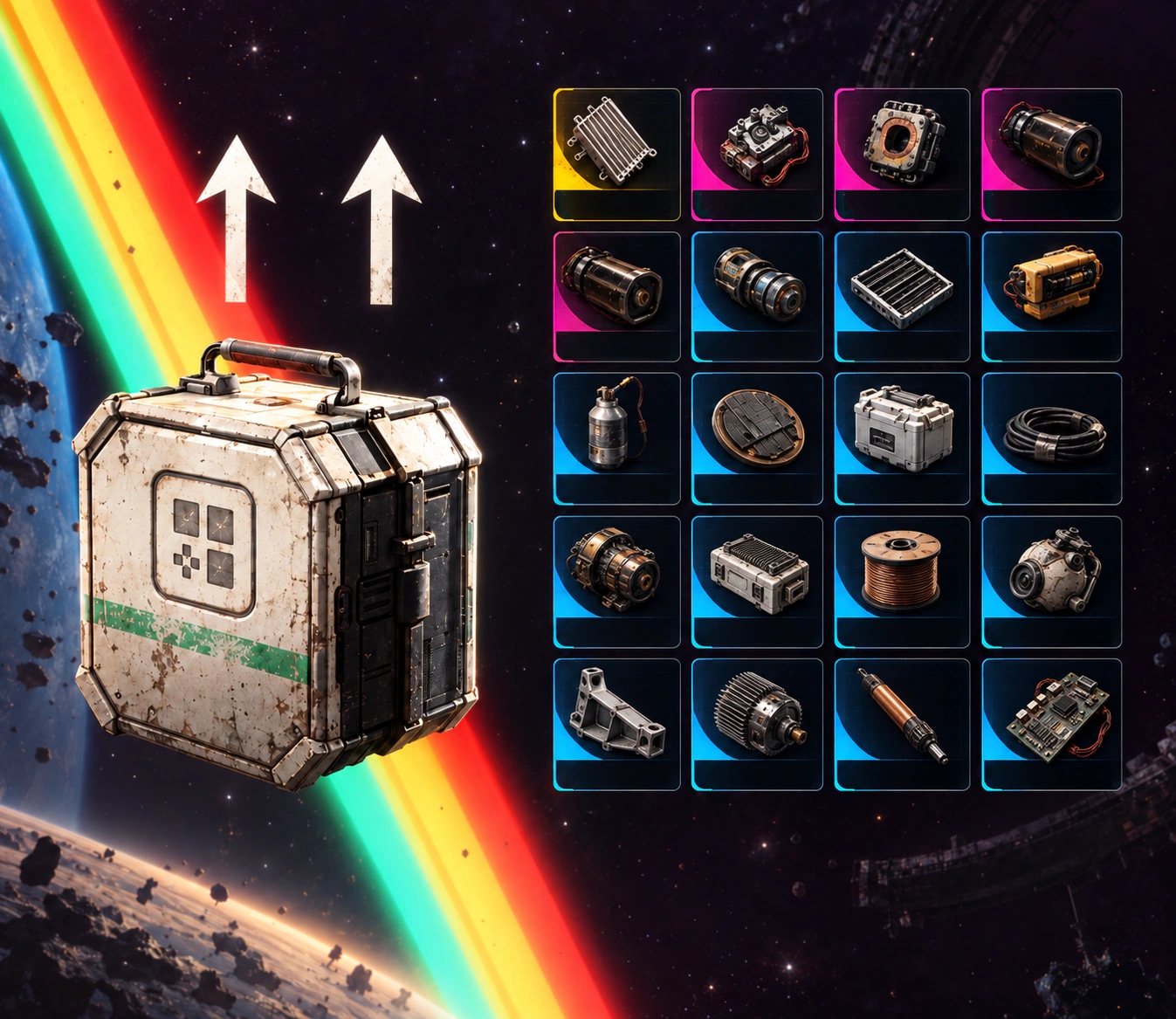
Choose your Expedition Project stage and the resources you need from its list. Fulfillment covers the selected materials and listed quantities. The order does not automatically include all five stages, unchecked resources, or an expedition departure.
This Service Includes
- The resource entries and quantities selected for the chosen stage
- Piloted or Trade fulfillment as selected
- Additional coins only when selected
Optional Add-Ons
Express
Prioritizes the order for a faster start and completion window.
Add 100k Coins
Adds the selected in-game currency amount to the configured service.
Add 300k Coins
Adds the selected in-game currency amount to the configured service.
Add 600k Coins
Adds the selected in-game currency amount to the configured service.
Add 1M Coins
Adds the selected in-game currency amount to the configured service.
Add 3M Coins
Adds the selected in-game currency amount to the configured service.
Live Stream
Lets you watch the service live while the order is being completed.

Requirements
- Use an ARC Raiders character with access to the selected map or objective.
- Required quests, station or project progress, location unlocks, loadout space, and stash capacity must be available unless an add-on includes them.
- The account must meet any earlier progression, quest, level, station, or project prerequisites required to begin the selected unlock.
 Out of Stock
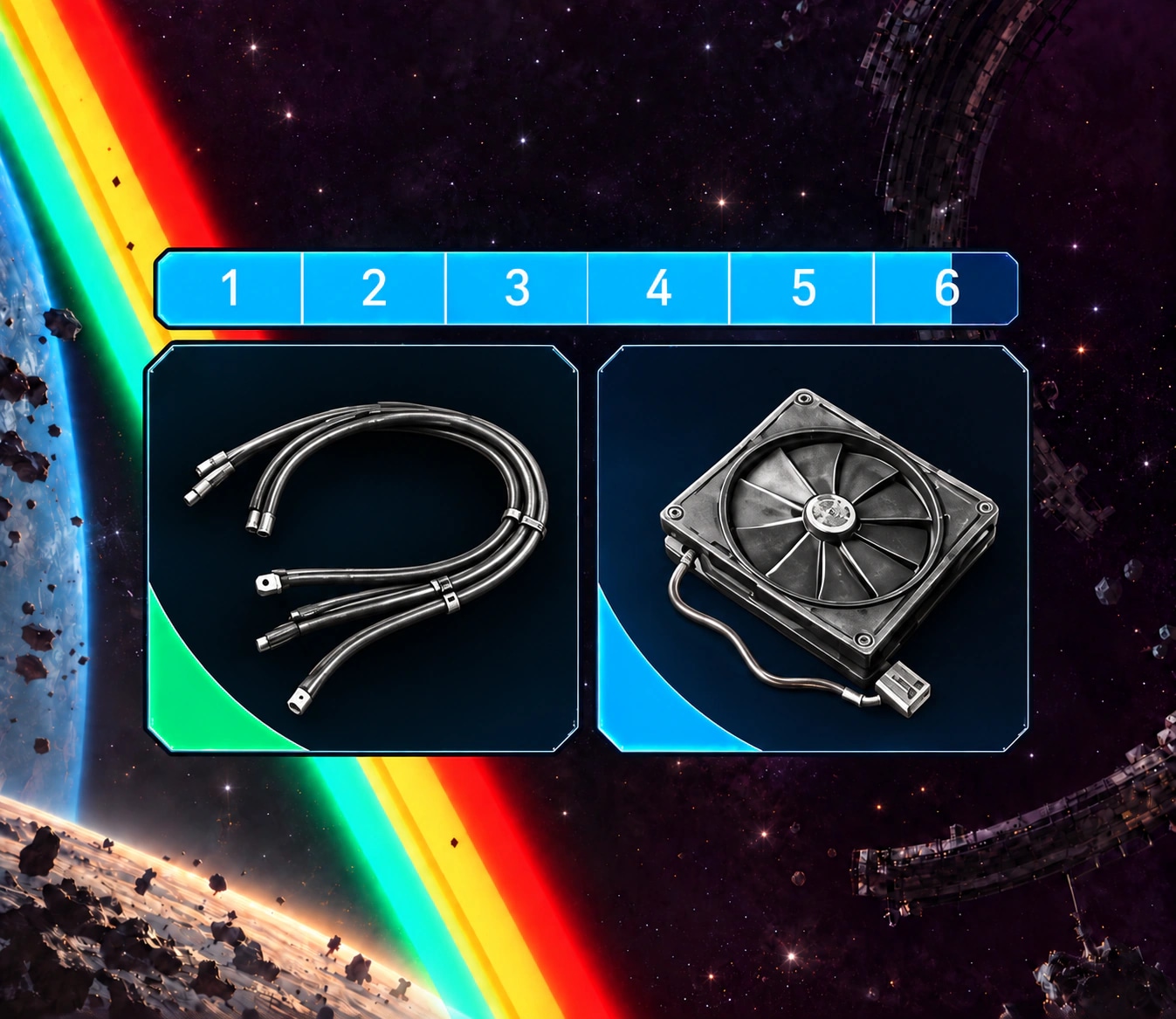
This service is currently out of stock. Contact support below for availability updates.
 100% safe payments









You might also like


 Hot



Frequently Asked Questions
Choose your Expedition Project stage and the resources you need from its list. Fulfillment covers the selected materials and listed quantities. The order does not automatically include all five stages, unchecked resources, or an expedition departure.
Use your full Embark ID, including the # suffix, and confirm your platform when coordinating the selected service. Do not put passwords or backup codes in the identifier field.